-
Partner ProfileExpand
-
Partner Store Expand
-
SupportExpand

For Partners
If you purchased your license key before September 1, 2022 and have not switched to the subscription model yet, when you activate the renewal your license key will be switched to a subscription model and annual renewal will be mandatory. Read more
This form displays full information about your license key: registration name; product edition; license key period and other licensing related information. Enter your license key and click “Verify”.
The license key verification result page will show links to buy compatible product options such as renewal, upgrade or SIP-connector.
Use this form to register your product copy for your company or a person if the key you provided has not yet been activated. After license key registration, the key owner will receive access to the key certificate, technical support, updates and important notifications.
Please note that your commercial license key should be activated within 7 days from the purchase date. Otherwise, it will be activated automatically.
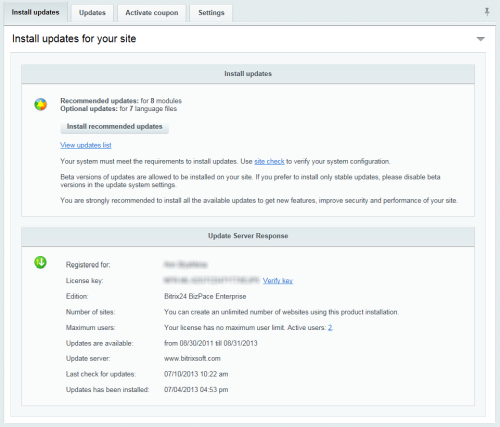
After a license purchase, license key is being delivered to a buyer's email. If you already have an installed product copy, you can find your license key following the instruction below.
Should you have any questions regarding subscription renewals or licensing policy, please feel free to contact us via live chat widget located in the bottom right corner of the page or at sales@bitrix24.com.
As a commercial client, you can download distributive packages of our product with full source codes. You can select the desired format (zip, tar.gz) of the distribution package according to the license key you purchased. Download link will be available to registered license key user after authorization.
If you've just purchased a license key and do not see any commercial distribution packages available on this page, please contact our HelpDesk.